Mini
- Models: all
- Images, video, music and voice
 Nano
GPT, Gemini, Claude, Grok, Perplexity and more. Chat, search the web, and create images, video and music.




Image Lab and Video Maker
Create an image from a sentence or edit a photo. Then pick an effect and turn it into a short video.

Tools
Describe an image or upload a photo to edit.
Upload a photo to turn it into a video.

Enhance light, color and detail, or retouch your photos.
Translate text, photos and audio together.

Discover films, anime and books for you.
Upload a form to fill it out or understand its fields.
Assistants
Ready-made tools and chatbots that already know the job, so you can skip the prompt.
Bring your photos to life
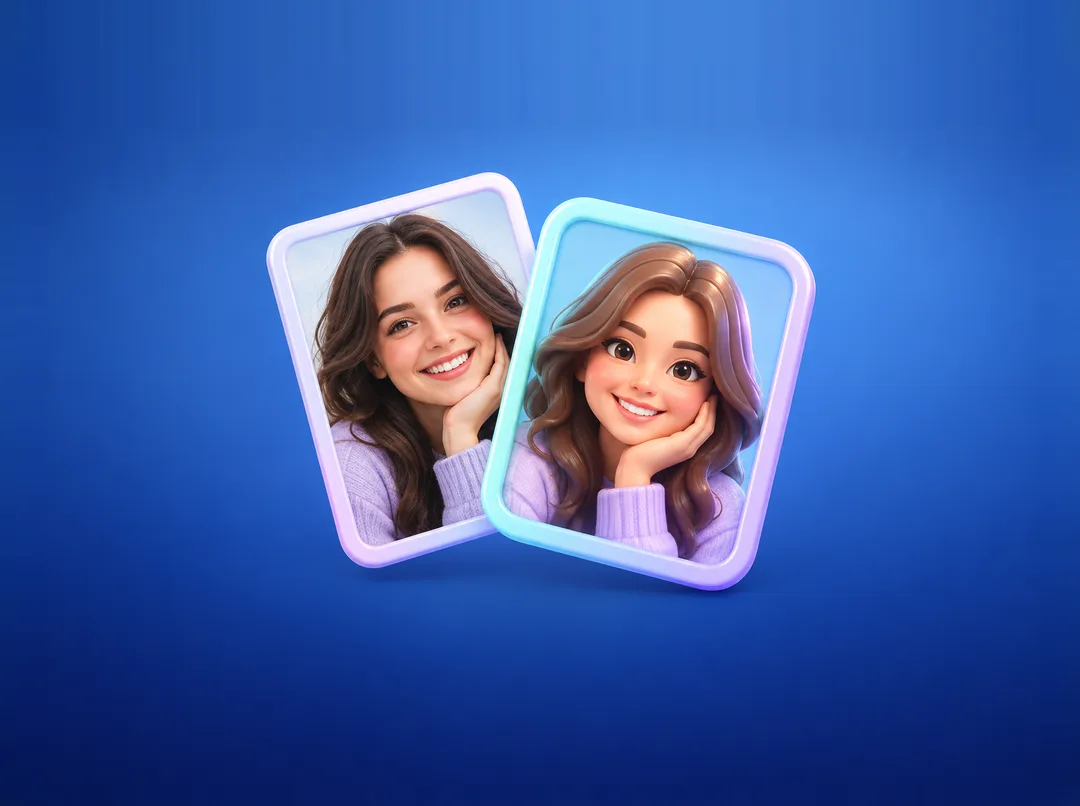
Apply styles to photos
Make your future trip unforgettable
Track, plan, and improve your diet
Learn what’s in the stars for you
Summarize any video
Nano works the moment you open it. Sign in later to keep your chats across devices.
Widgets for the Home Screen and Lock Screen start a new chat, the camera or voice input.
Dictate a message, attach photos and files, or point the camera at what you mean.
Plans
Buy here, get an invitation code by email and on this page, and enter it in the app.
Popular
Pay securely with YooKassa by card or SBP. The plan renews each period until you cancel it in the app.
Get your invitation code here and by email.
Install Nano and enter the code: Sign in → I have an invitation code.
No. Nano creates a guest profile on your device so you can start right away. If you sign in later, your guest chats come with you.
GPT-5.6 Luna, GPT-4o, GPT-5.6 Reasoning, Gemini 3.5 Flash, Claude Sonnet 5, and Perplexity Sonar for web search. The list in the app may change as models are added or retired.
You can chat for free within a daily allowance. Paid plans add more models, tools and usage. You can buy a plan in the app or on this website.
After payment you get an invitation code on this page and by email. In the app, open Sign in → I have an invitation code and enter it. You can also sign in with the same email address: the plan will be there.
Yes, like a subscription in the app. Your card or SBP account is charged each month or year until you cancel in the app: Settings → Subscription.
Photos, videos, audio and documents, up to 10 files per message and 25 MB each.
The interface is available in English and Russian. You can talk to the models in any language they understand.
No. Nano is an independent app that connects to their models through official APIs.
Payment by YooKassa. Card details never reach Nano.
Confirming the payment…
This usually takes a few seconds. You can close this page: the code will arrive by email.
Payment received
We also sent it to your email. Install Nano, open Sign in → I have an invitation code and enter it. Or sign in with the same email.
The payment didn't go through
Nothing was charged. You can try again with another card or method.